


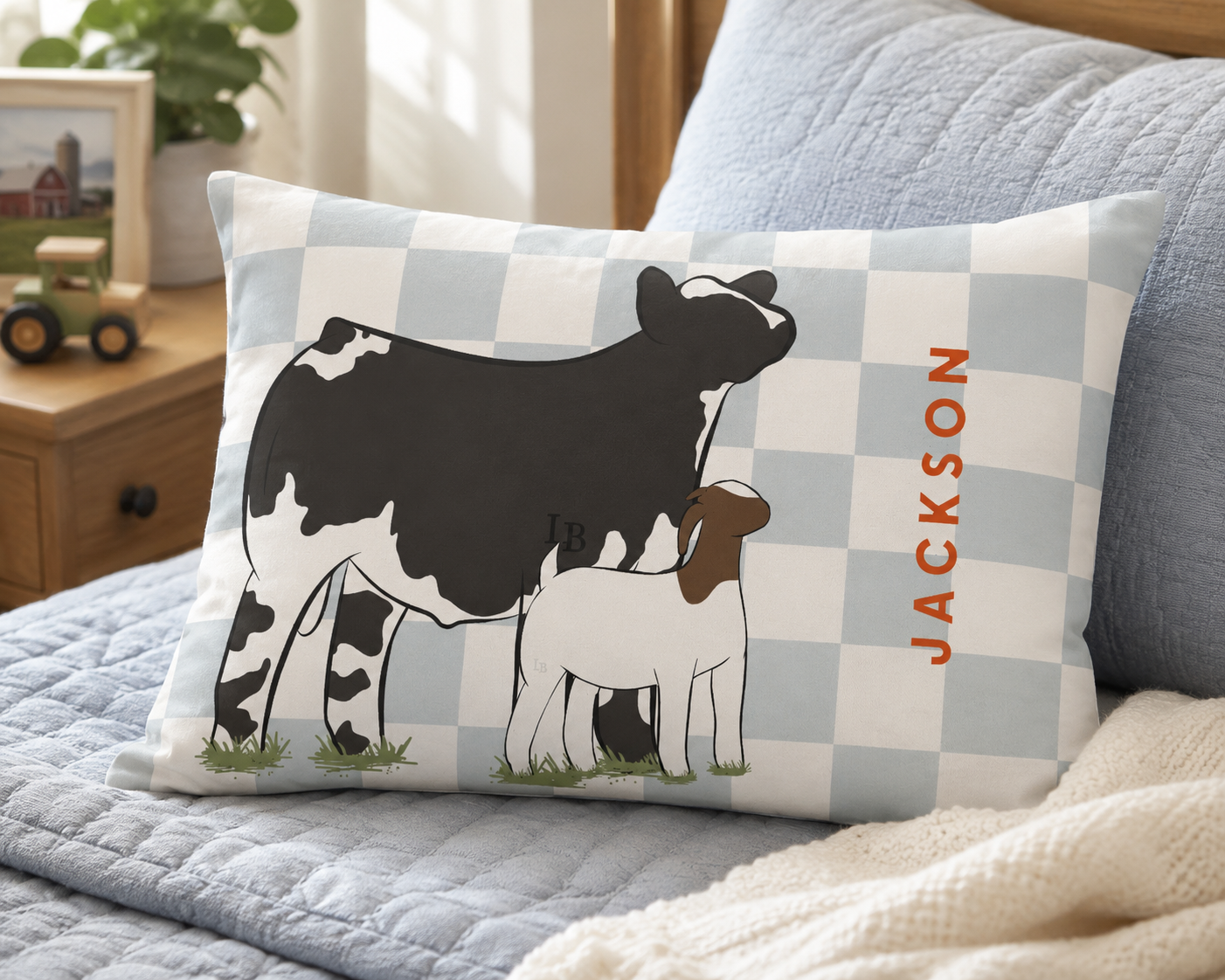
How to Personalize
Create a product that reflects your livestock, colors, and story. Our customizer lets you see your choices come together as you work through each step.
The personalization options available may vary by product, but the process is simple. Choose from the options shown on the product page, adjust your design, and review your finished preview before ordering.
Please note: The watermark shown in the customizer will not appear on your finished product.
Move & Resize Your Livestock and Text
Your design does not have to stay in the default layout.
Livestock and text can be moved and resized directly in the preview. Click or tap the element you want to adjust, then reposition or resize it until the design looks the way you want.
This allows you to adjust the spacing and arrangement of your livestock and text before placing your order.
Review Before Ordering
Before adding your product to your cart, review your finished design carefully.
Check:
- Your design, colors, and pattern
- Your livestock selections
- Livestock colors and markings
- Names, dates, and other custom text
- Spelling and capitalization
- The placement and size of movable elements
Your product will be created using the personalization and design selections submitted with your order.
Having Trouble With the Customizer?
If the customizer is not working as expected:
- Make sure your browser is up to date.
- Refresh the page and try again.
- Try using a desktop or tablet if you are having difficulty making detailed adjustments on a smaller screen.
- Review each personalization step to make sure all required selections have been completed.
If you still need help, contact us and let us know which product you are trying to personalize and what problem you are experiencing.